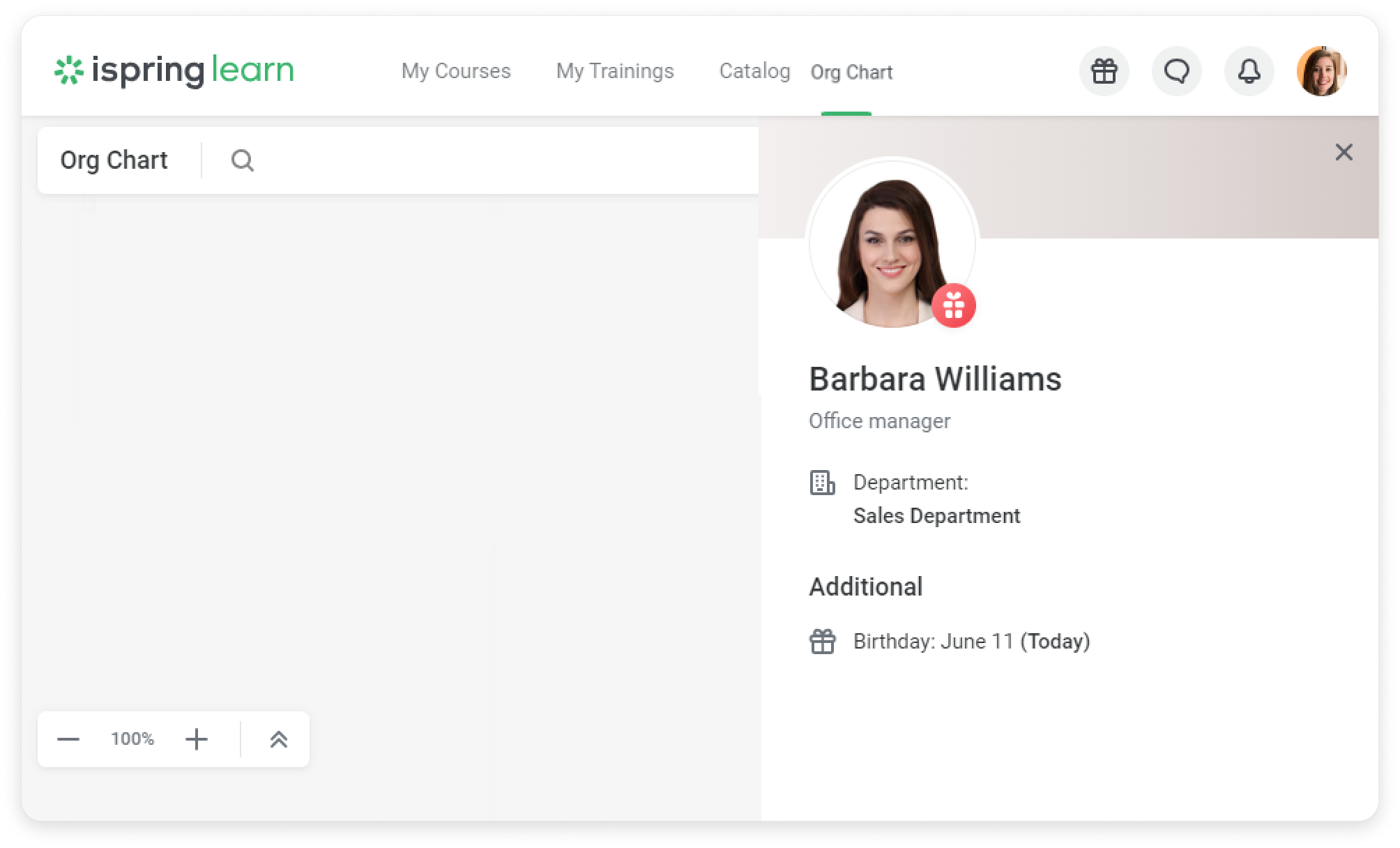
How to Enable Birthdays in the Org Chart
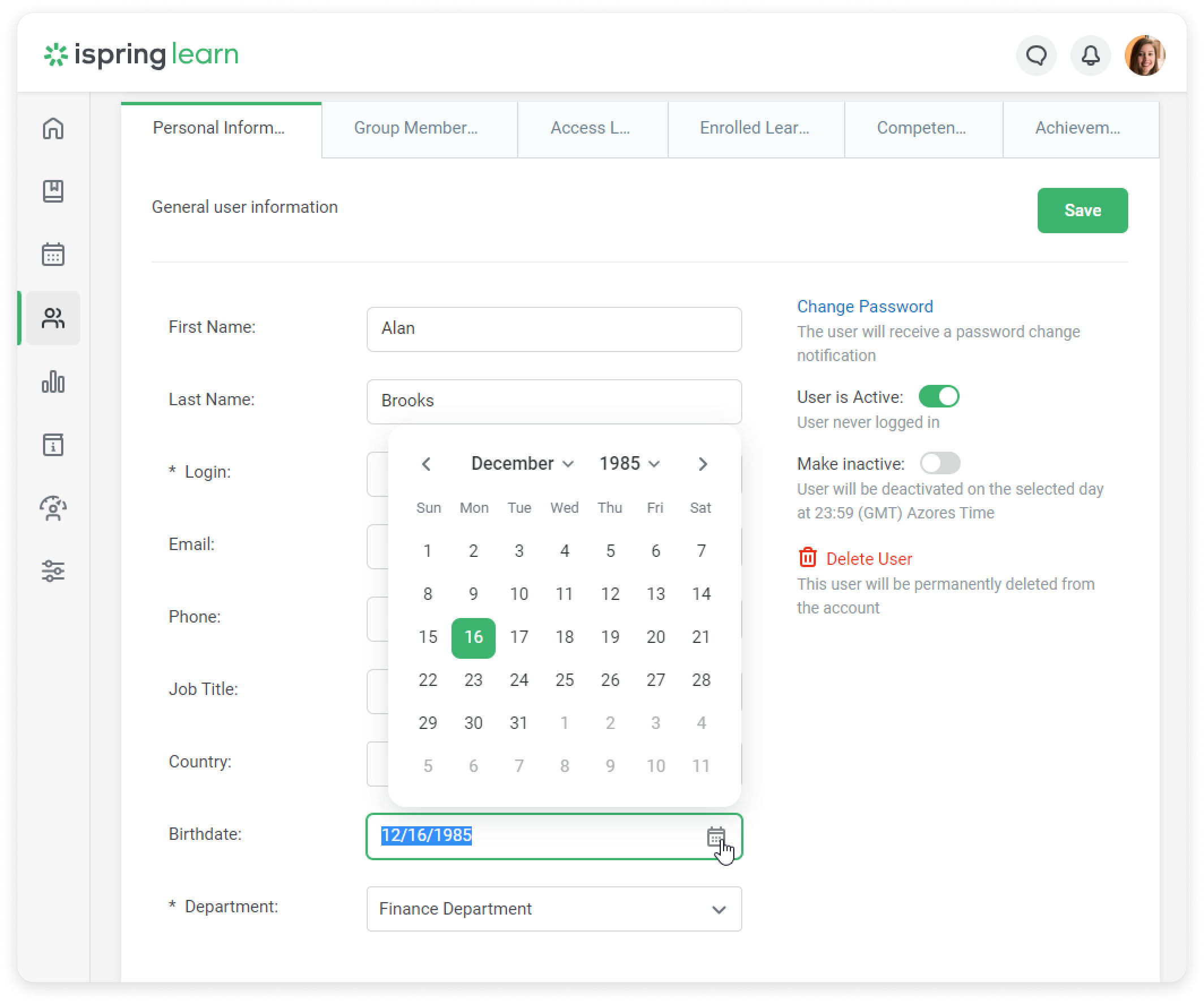
- Make sure you have entered the employee’s date of birth in their user profile.
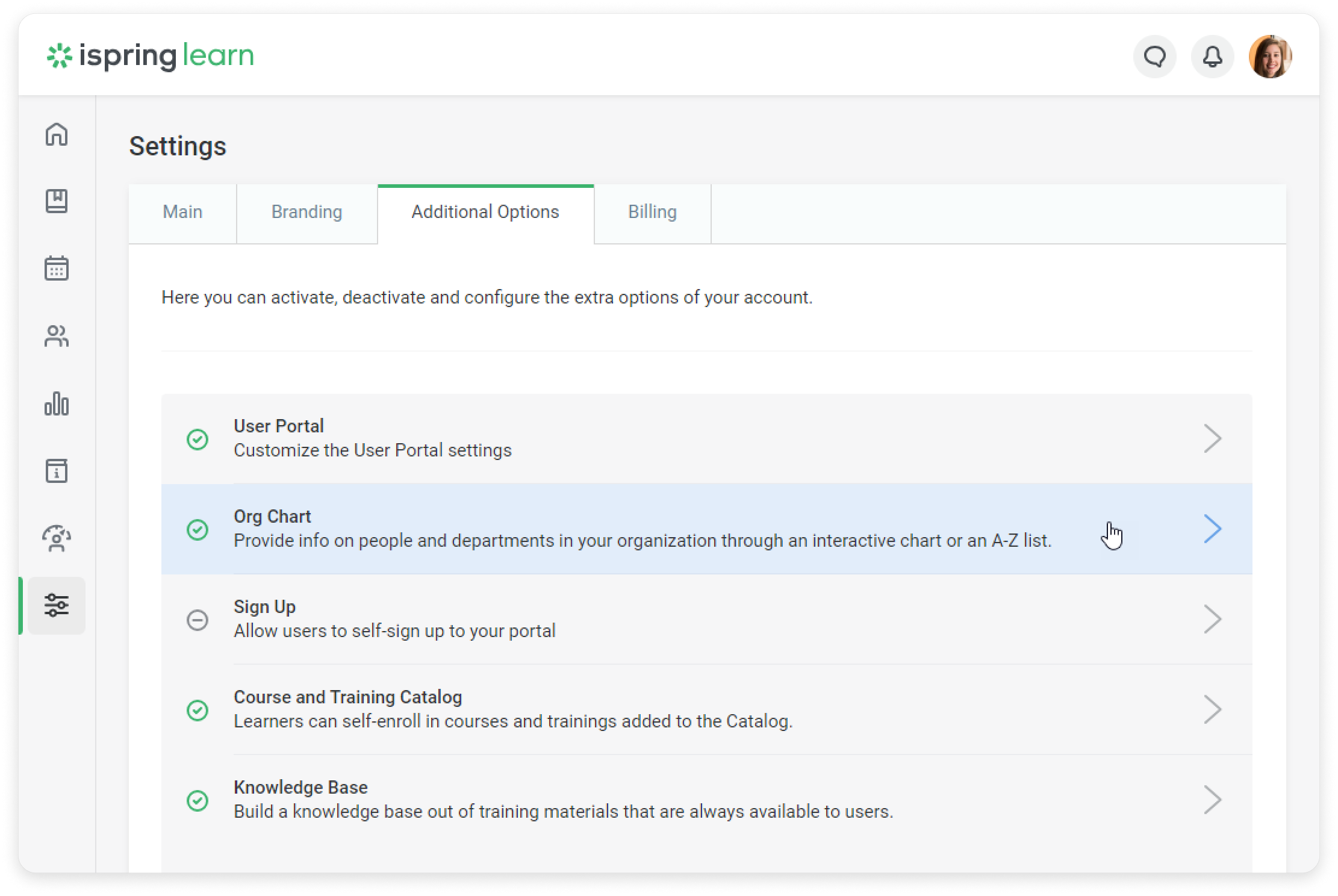
- Next, go to Settings → Additional Options → Org chart.
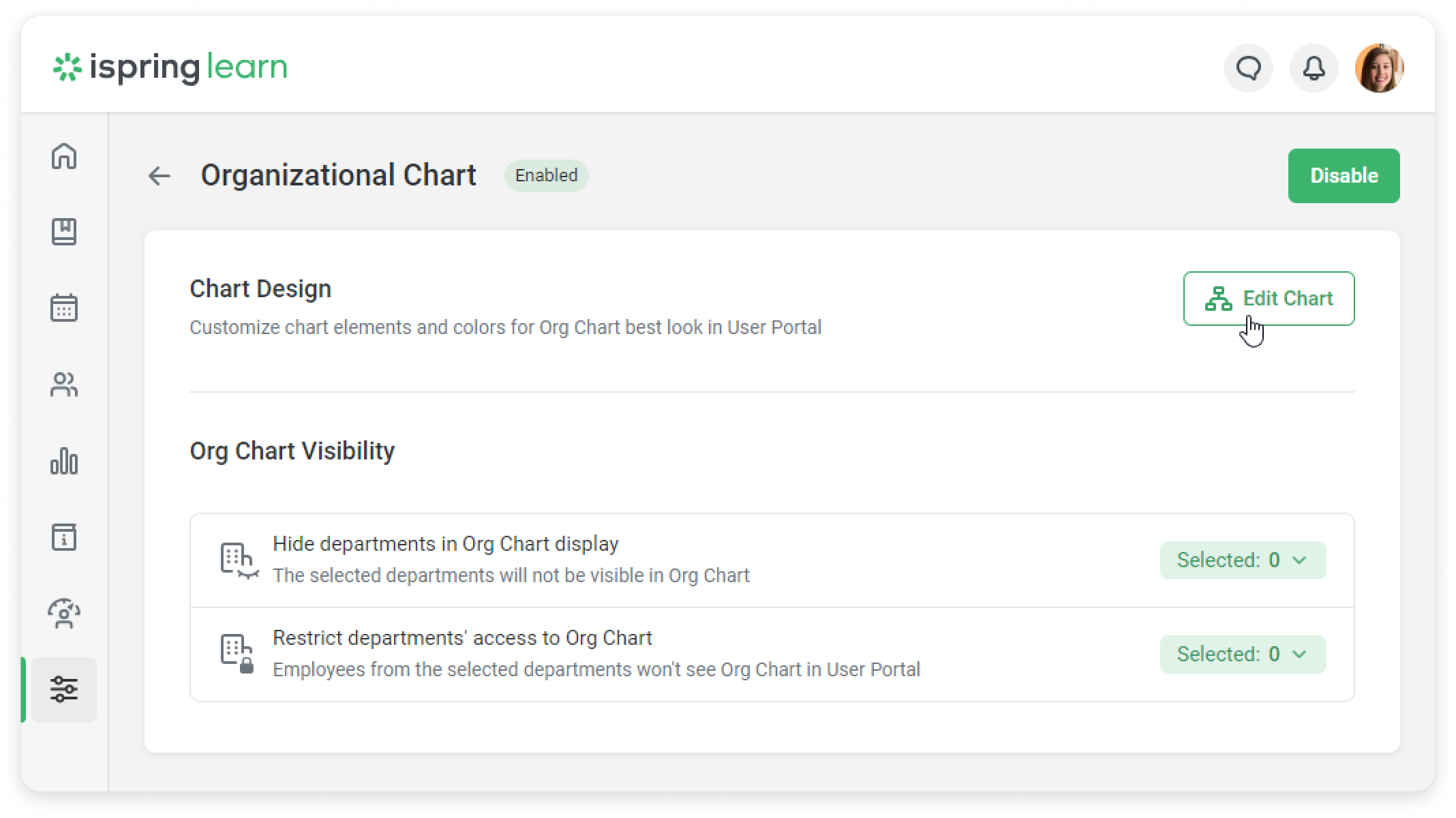
- Click Edit Chart.
- Then, check the Birthday box in the Employee Card Settings.
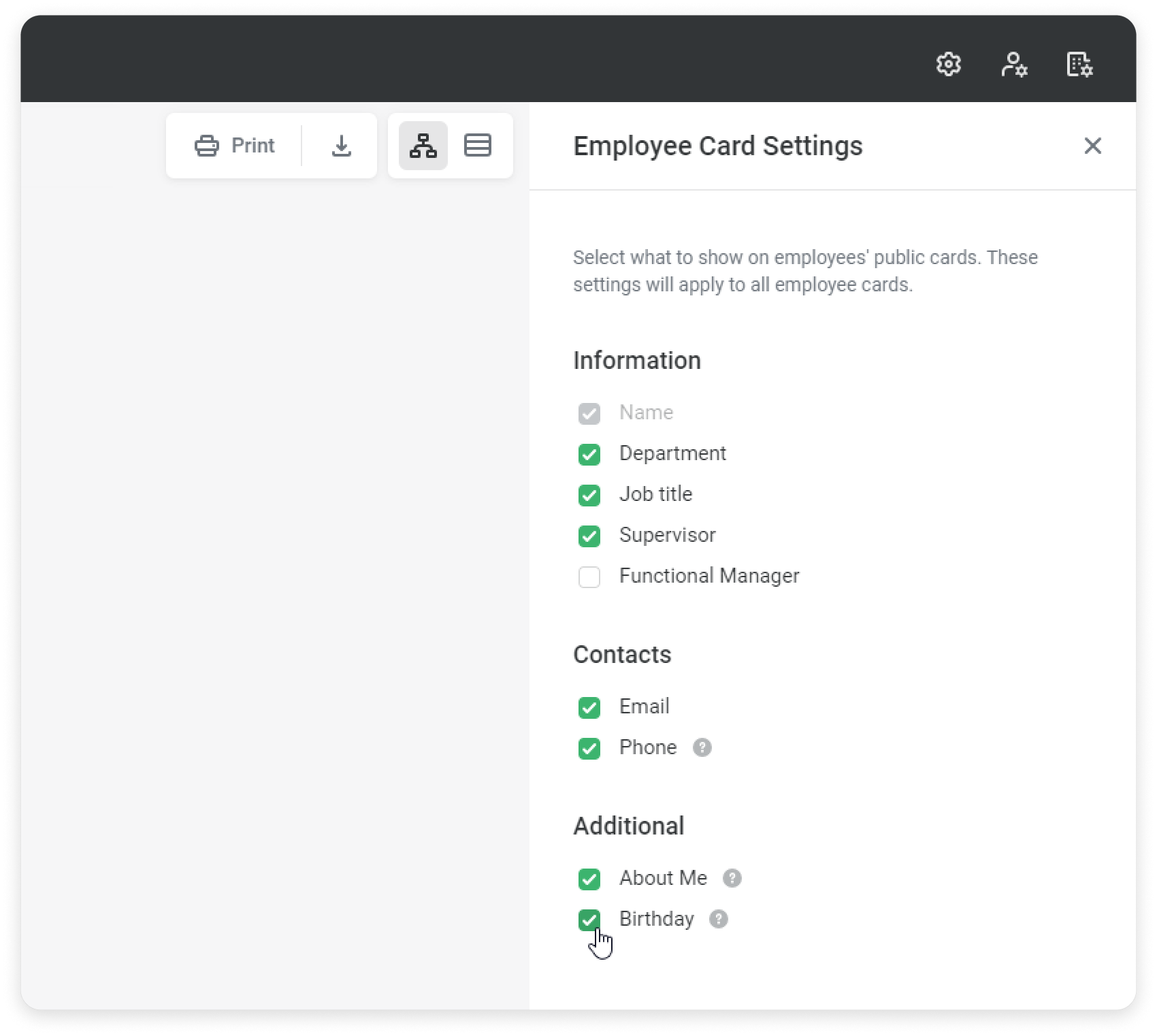
Amazing! Now employees will see when their colleagues have birthdays in the employee card.