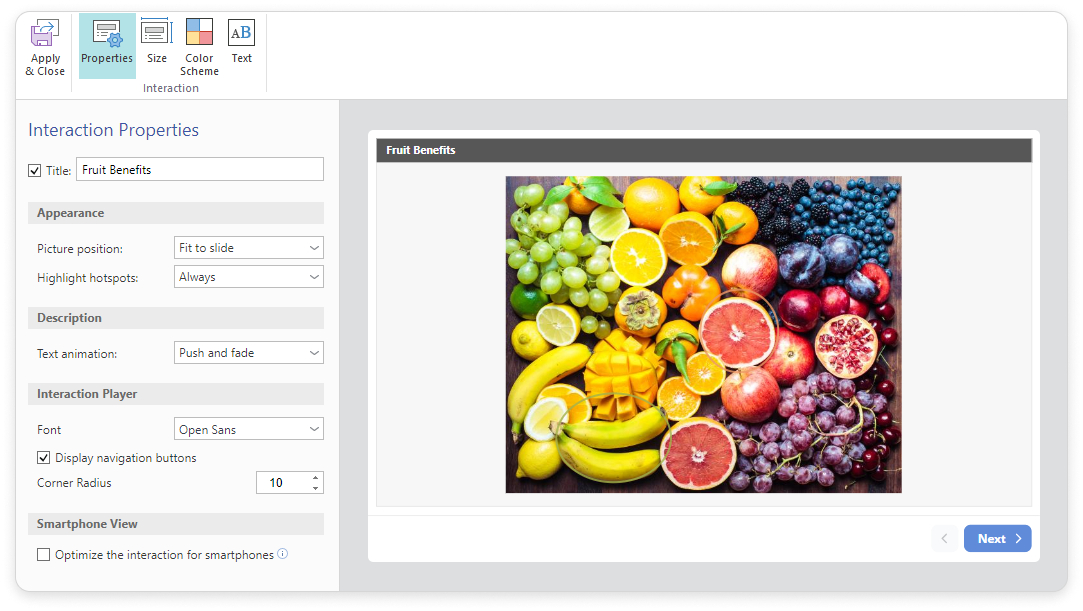
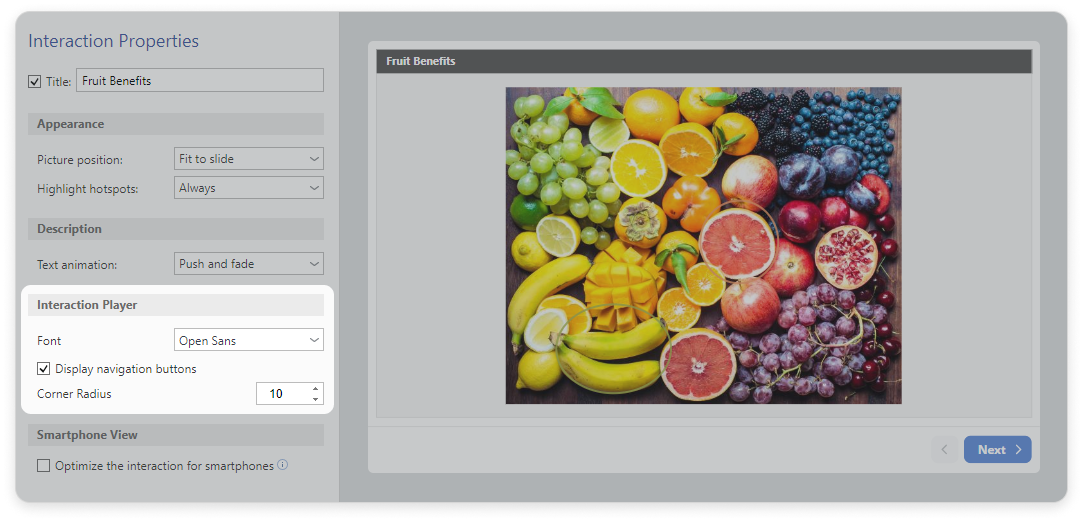
In thePropertiessection, enter the title. You can leave this field empty and uncheck the box if you don't need a title.
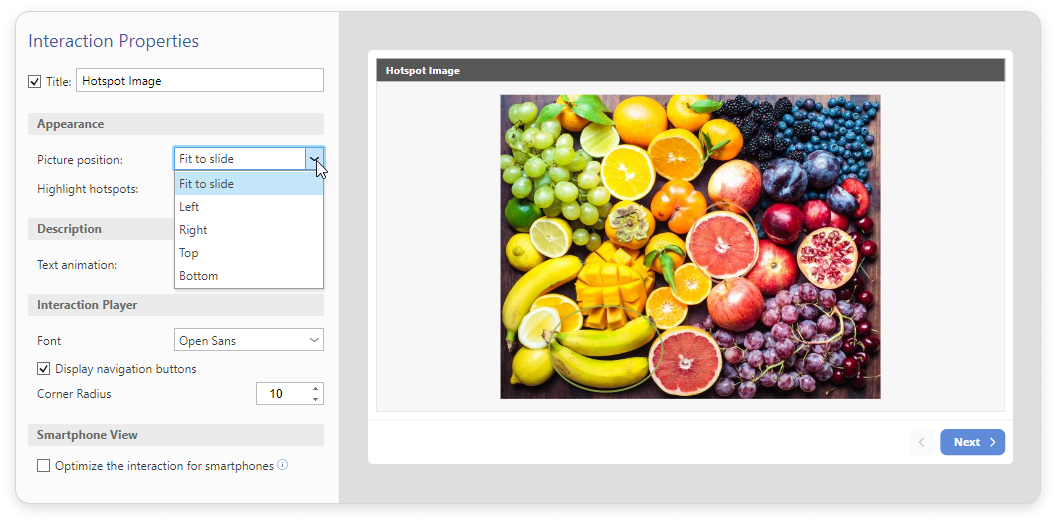
Select the picture position:
Fit to slide
Left
Right
Top
Bottom
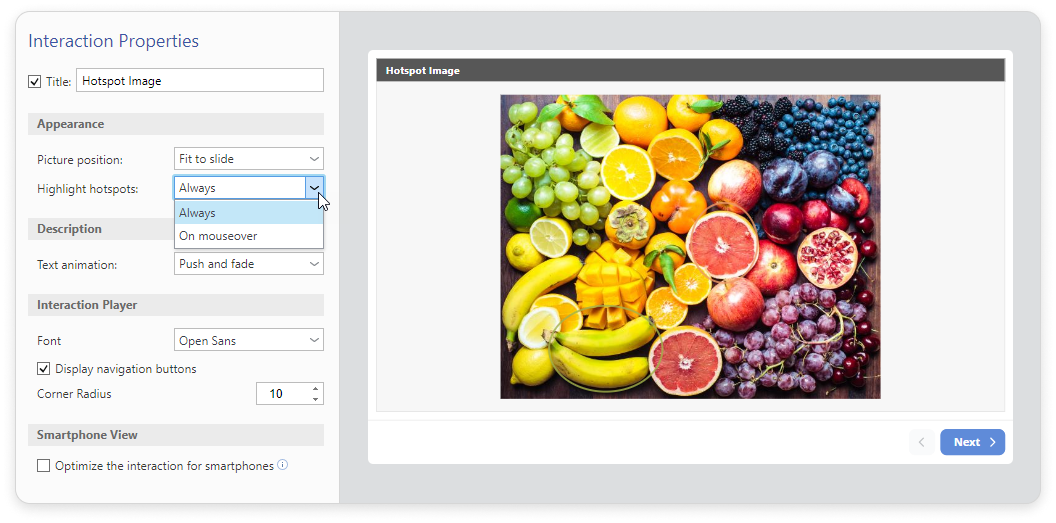
Choose when to highlight hotspots: Always or On mouseover.
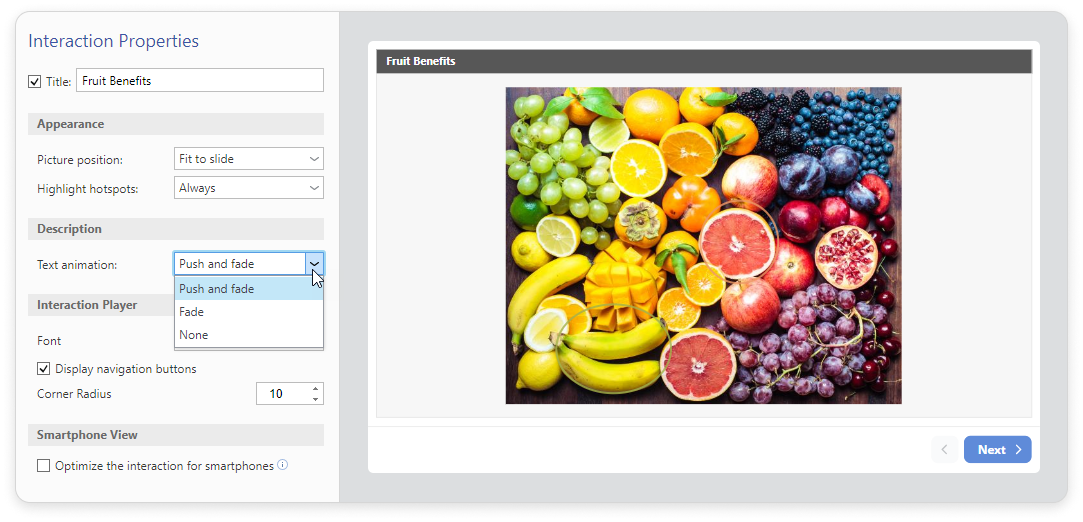
Choose the text animation type:
Push and fade
Fade
None
Set up the interaction player. Select the font and the corner radius for the buttons. You can also enable or disable navigation buttons display by checking the box.
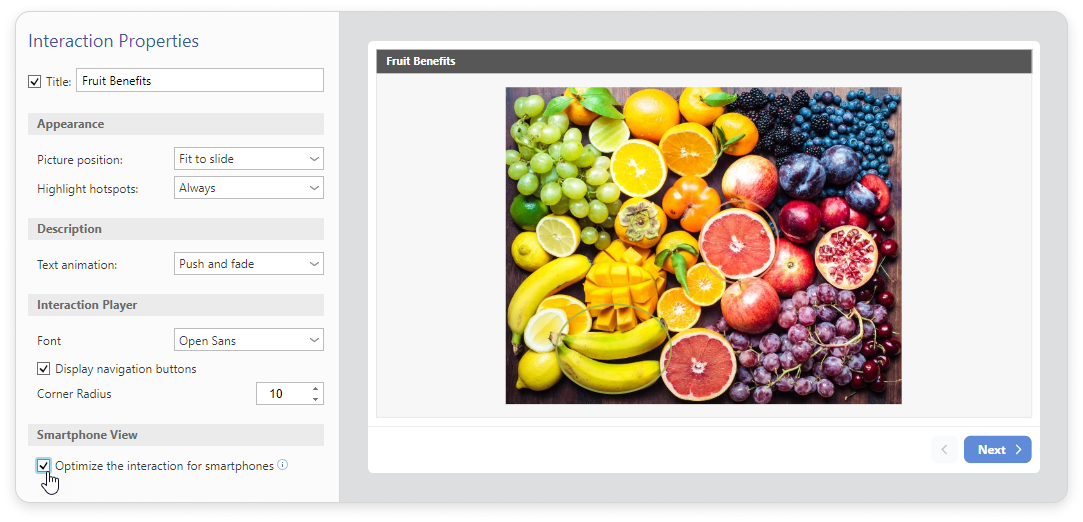
You can optimize the interaction for smartphones.
To save the properties, clickApply and Close on the toolbar.